Make It a Video: how to record and edit a Mac tutorial
Record your screen and camera, review transcript-based cuts and export a clear tutorial with Make It a Video for Mac.

Ideas, tools and workflows from Prompt Muse.
Record your screen and camera, review transcript-based cuts and export a clear tutorial with Make It a Video for Mac.
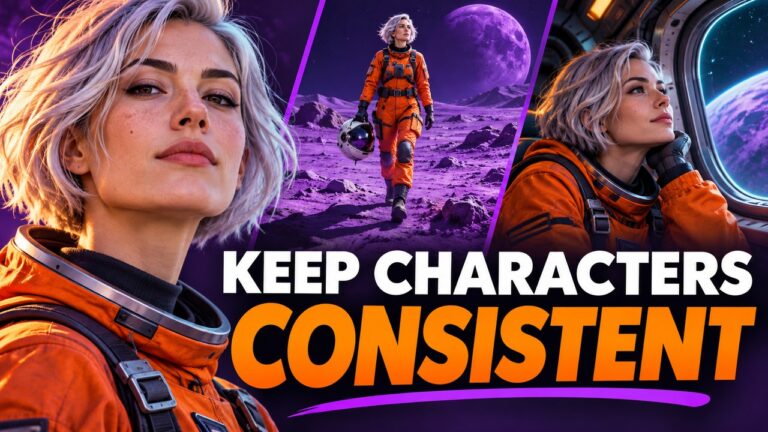
Create a reusable character brief and a shot-by-shot storyboard that keeps identity details stable while varying action, setting and camera.
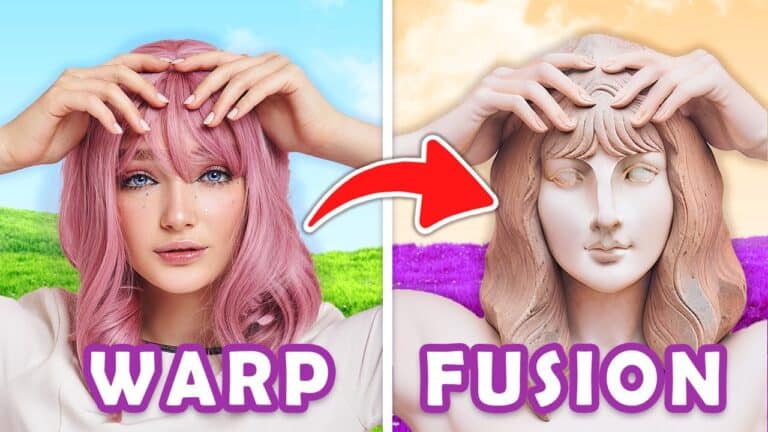
Warp Fusion is an innovative AI animation tool that allows you to create stunning, eye-catching videos. This tool has been gaining popularity…
As video calls have become the norm for communication, it can be difficult to maintain eye contact with the camera, especially when…
GET ADDON HERE In the world of AI language models, ChatGPT is one of the most well-known. However, it has a significant…
Introduction to Metavoice Have you ever tried a voice changer? For some, it’s just a bit of fun. For others, it’s a…
Amelia Player is an artist, AI researcher, and tech enthusiast with a background in motion graphics, graphic designs, 2D and 3D models,…
Pabbly Connect Life Time Deal Offer IMPORTANT: You must be viewing the video in YOUTUBE to comment. Click HERE to goto…
Welcome to this tutorial on how to turn an AI generated character into a 3D animated character. This workflow can be used…
How to Train a Model in Open Art AI: Welcome to this tutorial blog about Openart AI, an amazing app that allows…
In today’s video, we will be animating static AI images using a trained model. This means you can create your own AI…
Step 1: Choose your protagonist Choose a photo of yourself or someone else to use as the basis for your protagonist. This…
Guys, it’s here. We finally have AI in a 3D programme. My phone’s gone. Well, kind of. Let me explain. It takes…
Have you ever taken a mid-journey photo using AI-generated art only to find your image looking like a wonky mess? Fear not,…